


The Business Case for Switching to IP Video Surveillance
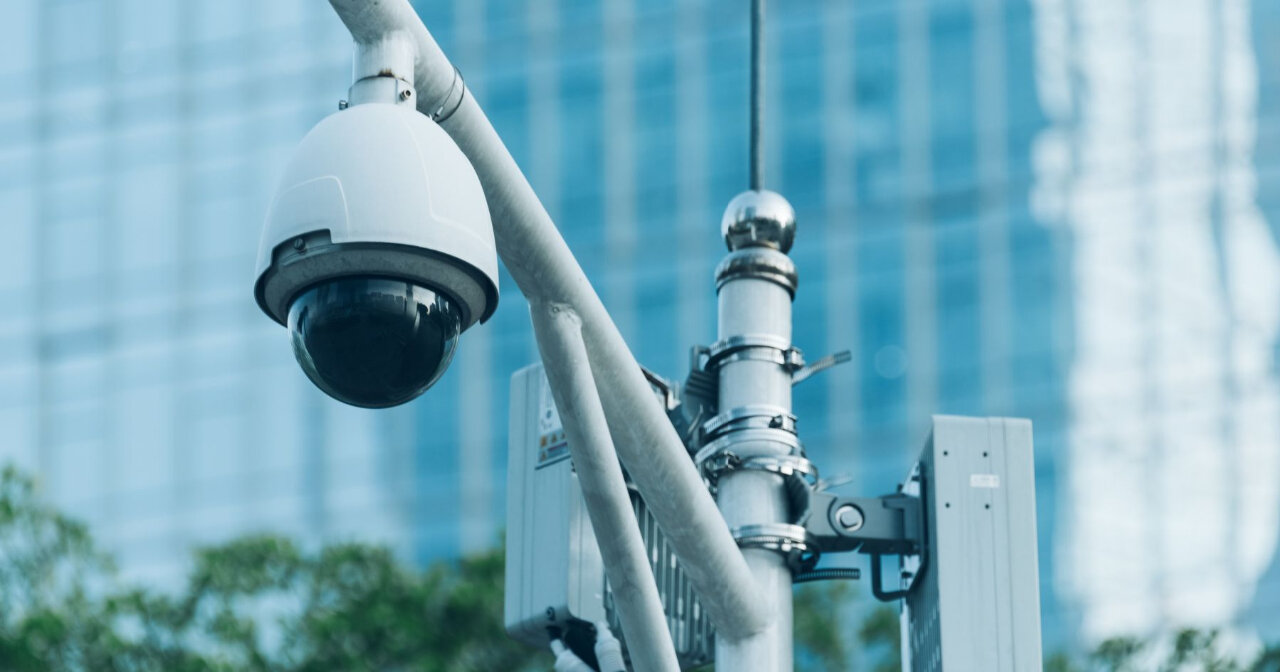
Many Ontario facilities still run analogue CCTV systems that were installed when the building was smaller, the operation was simpler, and nobody was thinking about what 30-day retention actually required. Fixed cable runs, cameras locked to their original resolution, and a DVR with a hard ceiling on storage. It worked then. It doesn't fit most operations now.
The gap shows up during incident reviews. Footage too grainy to confirm anything, an angle that misses the area that mattered, a recorder that overwrote the relevant window three days ago. At that point, the incident is over, the record is gone, and "the camera didn't cover that area" isn't a satisfying answer for anyone — not your insurer, not your legal team, not the person who filed the claim.
Why Your Analogue System Can't Grow With Your Facility
Analogue cameras send video over coaxial cable to a Digital Video Recorder. Every camera needs its own dedicated run back to that recorder. Adding coverage means pulling a new cable. Running out of storage means replacing hardware; there's no software workaround for a full DVR.
Facilities that have grown since the original install often have dead zones that weren't there on day one: New access points, expanded storage areas, and loading docks were added after the fact. Those gaps don't appear in a system audit; they show up when you need footage that doesn't exist.
Resolution is the other hard limit. Traditional SD analogue cameras typically cap out at around 0.4 megapixels — enough to detect movement, but not enough to read a licence plate or identify a face. IP cameras commonly capture at 1080p or higher, which is a meaningful difference when footage ends up in an insurance review or a legal proceeding.
How IP Cameras Expand Without New Cable Runs
IP cameras connect to a standard network switch over Cat5e or Cat6 Ethernet. They record to a Network Video Recorder (NVR) or directly to cloud storage. A single cable carries both power and data via Power over Ethernet (PoE), eliminating the separate power runs that made analogue retrofits expensive.
Adding a camera to an IP system means connecting to the nearest network switch, not running a dedicated cable across the facility to a central recorder. For a site that's added square footage since the original install, the difference in how expansion works is worth taking seriously.
Storage scales differently, too. IP systems use modern video compression that produces smaller file sizes than older DVR formats. In a multi-camera system running continuous recording, that difference can mean a gap of 30 days versus 60 days in retention on the same hardware.
Ontario facilities in healthcare, education, and regulated manufacturing often have retention windows written into their insurance or compliance requirements. More efficient compression is frequently what makes those windows achievable without adding drives.
The Coaxial Cable Question
The coaxial cable already in the walls isn't necessarily wasted. Balun adapters let compatible IP cameras run over existing RG59 coax at distances up to 300 metres. Bandwidth is limited compared to a Cat6 run, and you won't get the full throughput of a Gigabit Ethernet connection, but it's a real option for facilities where a full rewire isn't in the budget right now.
For new installs or major upgrades, Cat6 is the right call. It handles Gigabit Ethernet, supports PoE+ for cameras with pan-tilt-zoom motors or built-in infrared, and leaves room for future demands. The cable itself is inexpensive. Labour is where the cost sits.
If a facility is rewiring for any reason — renovation, a new wing, an infrastructure upgrade — pull Cat6 everywhere a camera might ever go. Not just where one is needed today.
Wireless IP cameras work well in specific situations: a remote gate, an outbuilding, or a temporary site where trenching isn't practical. For primary indoor coverage, wired is more reliable and less exposed to interference. Most facilities end up with a mix of both.
Connecting IP Cameras to Your Radio Network
IP camera platforms and two-way radio systems operate on separate infrastructure layers: cameras run on your IP network, radios run on licensed RF spectrum. They don't share a data pipe.
For facilities already running MOTOTRBO or another digital radio network, installing both systems through the same provider means one site assessment, one cable run where infrastructure overlaps, and one point of contact for any adjustments after go-live.
Camera placement affects how your security team responds to incidents, and your security team's communication tools shape how that response plays out. When the people scoping your camera install know how your radio talk groups are structured and where your team sits during a shift, coverage decisions reflect operational reality rather than just building geometry.
Some VMS platforms support automated alerts to connected devices when motion enters a defined zone or a door contact is triggered after hours. Whether that capability fits your setup is worth discussing during system scoping. It's not a universal feature, and implementation depends on your specific VMS and network configuration.
MRC Wireless installs CCTV systems as part of facility communication packages. For sites where radio and camera infrastructure share physical space, that means fewer trades on-site and less coordination overhead during the install.
For facilities already thinking about how radio and surveillance feed into broader operations management, the piece on improving yard, warehouse, and production floor communications explains how those layers work together in practice.
Storage, Retention, and What Compliance Actually Requires
Analogue DVRs with fixed hard drives frequently can't hit the retention windows that insurers or regulators require without overwriting footage. When that happens, the record simply isn't there when it's needed.
IP NVR systems scale by adding drives or connecting to a NAS array. Retention grows with the hardware — there's no fixed ceiling. Cloud storage works for smaller installs, but continuous upload from a multi-camera system will strain a standard business internet connection during peak hours.
Edge recording is a practical fix. Cameras write to a local SD card and sync to the cloud during off-hours. Facilities running digital radio systems follow the same logic: capture locally, sync when bandwidth allows, access centrally.
Cybersecurity Is Part of the Installation
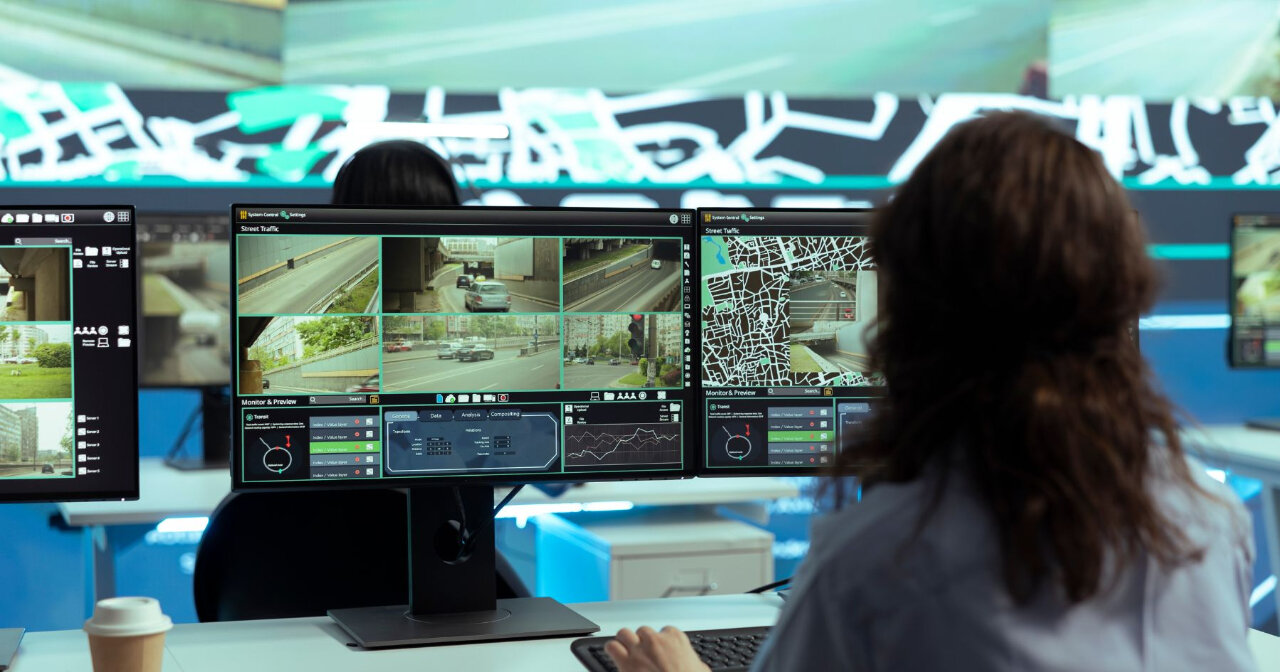
Analogue cameras can't be accessed remotely. IP cameras can — and many commercial installations are running with network security that isn't good enough.
The Canadian Centre for Cyber Security has flagged default passwords and unsegmented networks as primary risks for internet-connected devices. IP cameras fall directly in that category — and they rarely get the same patch management attention as computers or servers.
The fix isn't complicated, but it has to be deliberate. Cameras are on a dedicated VLAN, separate from the main business network. Passwords are set uniquely at install. Firmware gets updated on a set schedule. Remote access remains locked unless there's a clear operational reason to open it.
Any integrator doing this work properly raises these points during scoping, not after the system is live. A poorly secured IP camera gives outside parties a clear view of your facility layout, staff movements, and daily patterns. Getting the security piece right at install is considerably easier to explain to your insurer than addressing a breach after the fact.
What the Transition Actually Costs
Installation costs vary based on camera type, indoor versus outdoor housing, NVR capacity, whether existing coax can be reused, and whether access control integration is in scope. A facility reusing existing coax with balun adapters will spend considerably less than one requiring a full Cat6 rewire with outdoor housings and a redundant NVR.
Ongoing costs are worth factoring in. IP systems need firmware updates, occasional switch maintenance, and periodic storage checks. None of that is intensive, but the facilities that fold camera maintenance into an existing IT or communications service agreement tend to spend less over a three-to-five-year horizon than those treating the installation as a one-time project.
The budget question is usually about sequencing — where IP video fits in the order relative to other infrastructure priorities. For facilities already investing in GPS fleet tracking or digital radio, adding IP video to the same infrastructure cycle reduces total installation cost and cuts the coordination overhead of running separate projects.
Closing the Loop Between Field and Facility
IP video surveillance doesn't operate in isolation. It feeds into the same picture as your radio network, your access control system, and your GPS data. For facilities running Fleet Connect or MOTOTRBO, IP cameras connect what's happening in the field to what's on record at the facility.
Most facilities already know where their analogue system falls short. The gaps are usually visible before an incident — a blind corner, a loading dock added after the original install, a DVR that's been overwriting every three weeks. The decision is whether to close them on your terms or wait until the record isn't there when you need it.
Not sure where your current system falls short? Contact MRC Wireless to walk through your existing setup, identify the gaps, and get a clear picture of what a transition would involve — before you commit to anything.